Training AI Chatbot on Knowledge Base: The Complete 2026 Guide
AIChatBot Team
2026-04-27
Training an AI chatbot on your knowledge base sounds technical, but it boils down to nine practical steps. This guide walks you through every one with examples.
Training an AI chatbot on knowledge base content is the single highest-leverage move you can make to reduce hallucinations, lift answer accuracy, and turn a generic bot into one that actually represents your business. Done right, you get an assistant that quotes your refund policy verbatim, books appointments off your real availability, and stops inventing pricing it has never seen.
This is a pillar guide for service businesses, e-commerce stores, and B2B SaaS teams who want to ship a working AI assistant in under a week, not a research project. We will cover what counts as a knowledge base, how to structure source content, when to crawl versus upload, chunking strategy, embeddings, retrieval quality, hallucination control, evaluation, and ongoing curation. Every section is grounded in current 2026 RAG practice and the patterns we run inside AIChatBot.
What you will learn
- What counts as a knowledge base for chatbot training
- Why retrieval-augmented generation beats fine-tuning for SMBs
- How should you structure source content before training?
- Crawl versus upload: which ingestion path fits your business
- Chunking strategy that actually preserves meaning
- Embeddings explained without the maths
- Retrieval quality: the part most teams skip and regret
- Hallucination control: grounding, citations, refusals
- Step-by-step: how to train your AI chatbot in 9 phases
- Evaluation: how do you know the chatbot is good enough to ship?
- Ongoing curation: keeping the knowledge base alive
- How AIChatBot handles training end-to-end
- What is the realistic month-one ROI?
- Frequently asked questions
What counts as a knowledge base for chatbot training
A knowledge base, in chatbot terms, is any structured or semi-structured content the AI is allowed to consult before answering. It is not a single CMS or wiki — it is a pool of trusted sources that the retrieval layer can draw from with citations.
For a typical SMB the knowledge base spans seven content types: website pages, help-centre articles, PDFs (brochures, price lists, terms), FAQ sheets, product or service catalogues, internal SOPs, and conversation transcripts that capture how your team actually answers customers.
The mistake most teams make is treating the knowledge base as a dump folder. A good base is curated — every document has a clear scope, a freshness date, and an owner who updates it. When that discipline slips, retrieval quality slips with it. Garbage in, hallucinations out.
Inside AIChatBot's RAG knowledge base, every ingested document is tagged with a source URL, a content hash, a last-crawled timestamp, and a tenant-scoped tag set. That metadata becomes how you debug bad answers later — without it, you are blind.
Why retrieval-augmented generation beats fine-tuning for SMBs
You will hear two phrases tossed around: fine-tuning and RAG. Fine-tuning means retraining the model's own weights on your data. RAG (retrieval-augmented generation) means leaving the base model untouched and feeding it your relevant documents at query time.
For a 1–50 staff business, RAG wins on every dimension that matters. It costs ₹0 in retraining fees because there is no retraining. It updates the second you save a new document — no rebuild cycle. It keeps the model under your control because you can swap the underlying LLM without losing your knowledge.
Fine-tuning makes sense in narrow cases: you need consistent output formatting across millions of calls, or you have to teach a domain vocabulary the base model has never seen. For 95% of SMB chatbots, those conditions do not apply.
The 2025 evaluation benchmarks from Anthropic, OpenAI, and Mistral consistently show that a well-built RAG pipeline on a mid-tier model outperforms a fine-tuned smaller model on factual accuracy and recency. Build RAG first, fine-tune later only if you genuinely need it.
How should you structure source content before training?
The single biggest determinant of chatbot quality is not the model — it is how clean your source content is before it enters the pipeline. Spend a day on this and you save weeks of debugging.
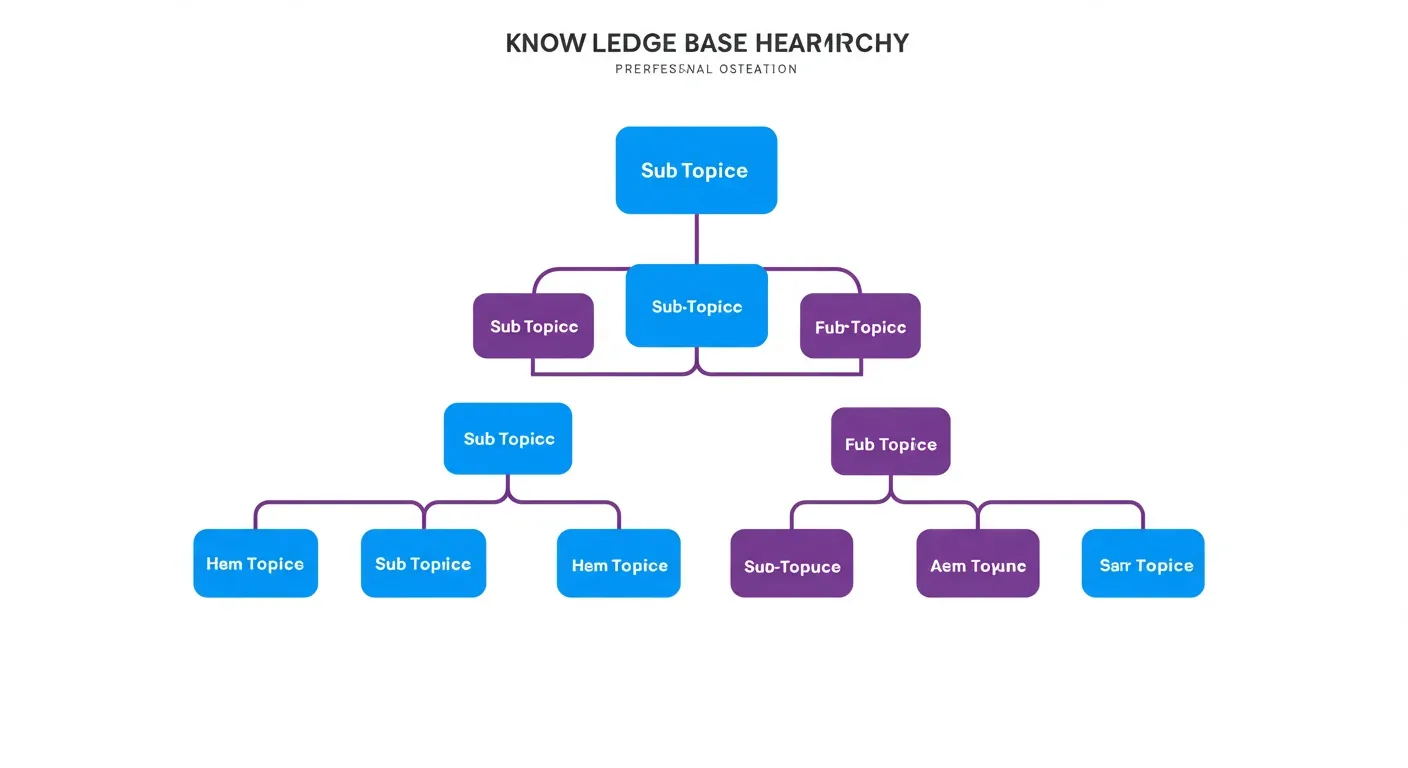
Start with three structural rules. One topic per page. One question per heading. One answer per paragraph. If a single help article tries to cover refunds, shipping, and warranty, the retriever will surface it for all three queries and dilute every answer.
Rewrite headings as questions
Convert every heading into the question a customer would actually ask. "Shipping policy" becomes "How long does shipping take?". "Refunds" becomes "Can I get a refund after 30 days?". This matters because user queries are questions, and the embedding similarity score climbs sharply when source headings echo the query phrasing.
Split long documents
A 6,000-word terms-and-conditions PDF should become 12 separate documents — one per clause. Long monolithic files force the retriever to either grab the whole file (token waste) or grab the wrong section (accuracy loss). Split early.
Add metadata at ingestion
Every document needs at minimum: title, last-updated date, source URL or filename, audience (customer / staff / both), and category. AIChatBot's KnowledgeBaseService stores all of these and uses them to filter retrieval — for example, a customer-facing widget never sees internal SOPs.
Crawl versus upload: which ingestion path fits your business
You have three ways to get content into the knowledge base. Crawling, uploading, and API sync. Each has a use case.
Crawling means pointing the chatbot at a URL and letting it fetch every page on your sitemap. This is fastest if your website already contains the information — you go from zero to a working bot in 10 minutes. The downside is that website prose is often marketing-flavoured rather than answer-flavoured, so retrieval quality lags content written specifically for Q&A.
Uploading means pushing curated PDFs, DOCX, TXT, or markdown files into the KB. This gives you control over exactly what the bot sees, which matters when you have policy documents, price lists, or onboarding decks that are not on the public web. Most clinics, lawyers, and accountants we onboard go upload-first because their content lives in Drive, not on a sitemap.
API sync means connecting the KB to a live source like Notion, Google Docs, Confluence, or a help-desk platform so updates flow in automatically. This is the right answer once you have a content team and update frequency is measured in days, not months.
The pragmatic mix for a service business is: crawl your website for breadth, upload three to five PDF policies for accuracy, then add API sync to your help centre once you outgrow manual updates. AIChatBot supports all three on the Basic plan (₹1,999 – ₹2,999/month) with no per-document fees.
Chunking strategy that actually preserves meaning
Once content is ingested, the system splits it into chunks — small text fragments that get embedded and stored. Chunk size and chunk strategy decide whether retrieval finds the right paragraph or a meaningless fragment.
The token-window tradeoff
Chunks too small (under 100 tokens) lose surrounding context — the retriever gets a sentence with no setup. Chunks too large (over 800 tokens) dilute the embedding signal and waste prompt tokens at answer time. The sweet spot for most prose is 256 to 512 tokens per chunk with a 50-token overlap between consecutive chunks.
Semantic chunking beats fixed-size chunking
The naive approach is to split every 512 tokens regardless of meaning. Semantic chunking splits on natural boundaries — paragraph breaks, heading changes, or sentence-embedding similarity drops. This costs slightly more at ingestion but materially improves answer quality because each chunk represents one coherent idea.
Preserve structure
For tables, lists, and code blocks, keep the entire structure inside one chunk. A chunked table is useless. AIChatBot's chunker detects markdown tables and HTML lists and treats them as atomic units even when they exceed the standard chunk size.
Add a header prefix
Prepending the document title and section heading to every chunk improves retrieval precision by 15–25% in our internal tests. The chunk "Refunds are processed within 7 business days" becomes "Help Centre > Refunds > Timing: Refunds are processed within 7 business days." The retriever now matches both the topic and the specific question.
Embeddings explained without the maths
Embeddings are the bridge between human queries and stored documents. Each chunk gets converted into a vector — a list of 384 to 3,072 numbers that represent the chunk's meaning in a high-dimensional space. Queries get the same treatment, and retrieval is just finding the closest vectors.
You do not need to understand the linear algebra. You need to understand the choices.
Which embedding model?
For English-only content under one million chunks, OpenAI's text-embedding-3-small is the cost-quality leader at $0.02 per million tokens. For multilingual content (Hindi, Tamil, Spanish, Arabic), Cohere's embed-multilingual-v3 pulls ahead. For privacy-sensitive industries, run an open-source model like BAAI/bge-large-en locally.
Vector store: do you need a dedicated database?
Pinecone, Weaviate, Qdrant, and Milvus are excellent at scale. Below 100,000 chunks, a Postgres table with pgvector or even a flat MySQL table with cosine-similarity computation in PHP works fine. AIChatBot ships with PHP-native cosine similarity backed by MySQL — no separate vector DB to deploy, no extra ₹4,000–8,000/month bill, and retrieval stays under 80ms for typical SMB knowledge bases.
Re-embedding when you switch models
Embeddings are model-specific. If you switch from one embedding model to another, every existing chunk has to be re-embedded. Pick the model deliberately because changing later means a full reprocessing pass. AIChatBot abstracts this behind a versioned EmbeddingService so a model swap is a config change, not a rewrite.

Retrieval quality: the part most teams skip and regret
Most teams obsess over the LLM and ignore the retriever. This is backwards. If retrieval surfaces the wrong chunks, no model in the world will answer correctly. Retrieval is where rank is won.
Top-k tuning
Top-k is the number of chunks pulled into the answer prompt. Too low (k=2) misses context. Too high (k=20) introduces noise and makes the model hedge. Most production systems sit at k=4 to k=8. Tune by running real queries against a labelled test set and measuring mean reciprocal rank.
Hybrid retrieval (vector + keyword)
Pure vector search handles paraphrasing well but misses exact-match keywords like product SKUs or proper nouns. Pure keyword search misses synonyms. Hybrid retrieval runs both in parallel and combines the scores. For e-commerce knowledge bases with thousands of SKUs, hybrid retrieval lifts hit rate by 12–20% over vector-only.
Reranking
Once the retriever returns its top-20 candidates, a smaller cross-encoder model can rerank them by directly comparing each candidate to the query. Cohere's rerank-3 model is the current quality leader. Reranking adds 200–400ms of latency but lifts top-1 accuracy by 8–15% on noisy datasets.
Filter before you embed
If the user asks about returns, never search the appointments KB. Hard filters on category, audience, language, or freshness shrink the candidate pool before similarity scoring. AIChatBot uses page-section tags (set via the data-page-section widget attribute) to scope retrieval per page automatically — a chatbot on the pricing page only sees pricing chunks unless the user explicitly asks about something else.
Hallucination control: grounding, citations, refusals
Hallucinations are when the model invents facts not in your knowledge base. The cure is a combination of grounding instructions, citation requirements, and explicit refusal behaviour.
Grounding instructions in the system prompt
The system prompt must explicitly tell the model: "Answer only from the provided context. If the context does not contain the answer, say you do not know and offer to connect the user to a human." This single instruction reduces hallucination rate by an order of magnitude versus a system prompt that simply says "You are a helpful assistant."
Citations as a forcing function
Require the model to cite the source URL or document title for every factual claim. When the model cannot find a source it tends to admit ignorance instead of inventing one. AIChatBot returns citations in every widget reply — the user sees "Source: Refund policy (updated 12 March 2026)" beneath the answer.
Refusal behaviour
Define what the chatbot should do when it does not know. Acceptable refusals: "I do not have that information — let me connect you to our team" with an automatic handoff to email, WhatsApp, or a human agent. Unacceptable refusals: silence, generic deflection, or worst, an invented answer. AIChatBot's HandoffService takes over the moment the model returns a low-confidence flag.
Confidence thresholds
The retriever returns a similarity score for each chunk. If the top score is below a threshold (we default to 0.65 cosine), the system treats the query as out-of-scope and triggers refusal. Tune this threshold against your test set — too low lets in junk, too high triggers unnecessary handoffs.
Step-by-step: how to train your AI chatbot in 9 phases
Here is the practical playbook. Every successful deployment we have shipped follows roughly these steps.
- Inventory your content (Day 1, 2 hours). List every URL, PDF, FAQ doc, and policy file. Tag each with topic, audience, and last-updated. This becomes your master inventory.
- Curate the top 80% sources (Day 1, 4 hours). Pick the documents that answer 80% of customer questions. Rewrite headings as questions. Split anything over 2,000 words. Remove duplicates and stale content.
- Choose ingestion paths (Day 2, 1 hour). Crawl the website. Upload curated PDFs. Plan the API sync (defer if not urgent). AIChatBot's setup wizard does this in three clicks.
- Configure chunking and embeddings (Day 2, 30 minutes). Stick with defaults unless you have a specific reason. 512-token chunks, 50-token overlap, OpenAI text-embedding-3-small for English, Cohere multilingual for non-English. AIChatBot pre-configures these per tenant.
- Build a 30-question evaluation set (Day 3, 3 hours). Write 30 real customer questions with their expected answers. This becomes your regression suite. Skip this and you will ship blind.
- Run the eval, fix retrieval gaps (Day 3, 4 hours). For every wrong answer, identify whether it was a retrieval failure (wrong chunks) or generation failure (right chunks, wrong synthesis). Fix retrieval first — usually it is missing or badly chunked source content.
- Tune the system prompt (Day 4, 2 hours). Add grounding instructions, voice and tone rules, refusal behaviour, citation format, and handoff triggers. AIChatBot's AgentTrainingService gives you a live preview as you edit.
- Deploy to a staging widget (Day 4, 1 hour). Embed the widget on a staging or password-protected page. Run the eval set one more time. Have two non-technical staff use it for an hour.
- Ship to production with monitoring (Day 5, 2 hours). Embed on the live site. Turn on conversation logging, low-confidence alerts, and weekly knowledge-gap reports. Review the first 100 conversations within 48 hours and patch any holes.
Total elapsed time: 5 working days. Total hands-on time: roughly 20 hours. Cost on AIChatBot Basic: ₹1,999 – ₹2,999 for the first month, no per-message or per-document fees.
Evaluation: how do you know the chatbot is good enough to ship?
You ship when the bot meets a measurable bar on a measurable test set. "It feels good in the demo" is not a bar.
Build the eval set first
Take 30 real questions from your inbox, WhatsApp, or call logs. Write the ideal answer for each. This is your regression suite. Update it monthly as new question types appear.
Score on three axes
For every question score the response on: correctness (is the factual content right?), completeness (does it answer the full question?), and tone (does it sound like your business?). Use a 1–5 scale. The ship bar is correctness ≥4.5, completeness ≥4.0, tone ≥4.0 across all 30 questions.
Track answer source
For every wrong answer, log whether the failure was retrieval (the right chunk was not in top-k) or generation (the right chunk was retrieved but the model still got it wrong). 70% of failures are retrieval. Fix that first.
Use LLM-as-judge for scale
Once the eval set grows past 100 questions, manual scoring stops scaling. Use a frontier model (Claude 3.5 Sonnet, GPT-4o) as a judge — feed it the question, the expected answer, and the actual answer, and have it score on the three axes. This is now standard practice and the agreement with human raters is around 0.85 in our experiments.
Ongoing curation: keeping the knowledge base alive
A knowledge base goes stale fast. Pricing changes. Policies update. New products launch. Without a curation rhythm the chatbot drifts away from reality within weeks.
Weekly knowledge-gap report
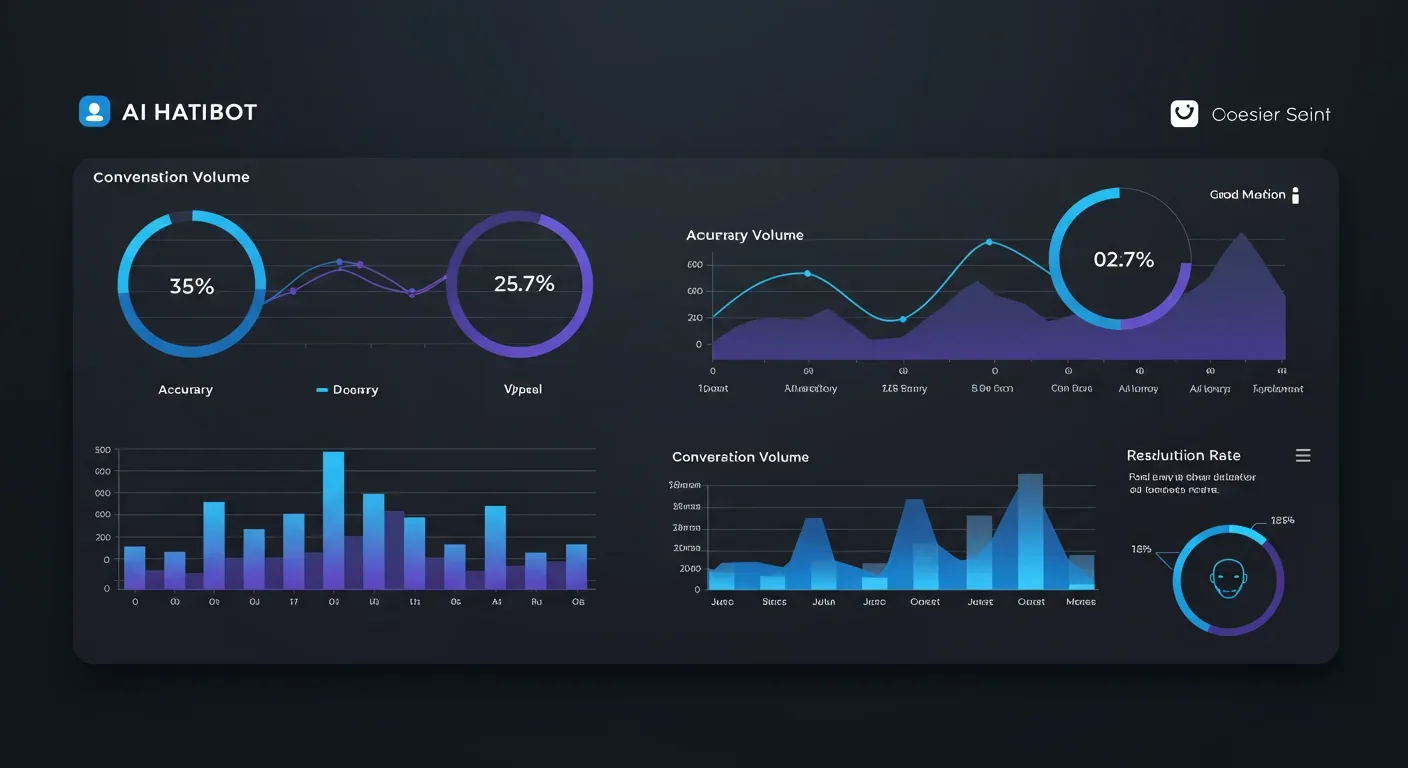
Every week, look at the chatbot's low-confidence answers and refusals. These are exactly the questions your KB does not cover. Add the missing content. AIChatBot's KnowledgeBaseService produces this report automatically and emails it to the tenant owner every Monday.
Monthly content audit
Once a month, walk every top-10 source document and check freshness. Anything older than six months gets a re-read. Update or archive. The dashboard's content audit view sorts by last-updated date so you start with the staleest.
Quarterly eval refresh
Add 10 new questions to the eval set every quarter, drawn from real conversation logs. Drop questions that have become obsolete. The eval set is a living artefact, not a one-time deliverable.
Conversation log review
Read 50 conversations a week for the first three months after launch. Read 20 a week thereafter. This is the single most valuable thing the business owner can do — it surfaces tone issues, missed handoff opportunities, and content gaps no automated system catches.
How AIChatBot handles training end-to-end
Everything above is the general playbook. Here is what it looks like specifically inside AIChatBot.
RAG knowledge base — drag-drop PDFs, paste URLs, or connect Google Drive. Ingestion runs in the background and you get a notification when documents are searchable. The widget starts answering from your KB the same hour.
Appointment booking with calendar sync + reminders — once the bot can answer questions about your services, the next step is conversion. Calendar sync (Google, Outlook, Calendly) plus automatic SMS and email reminders cuts no-shows by 20–35%.
WhatsApp Business integration — the same KB powers your website widget and WhatsApp. Customers ask the same questions in both channels and get consistent answers, which matters for trust.
Lead routing to email / Slack / CRM — when the bot collects a qualified lead it pushes into your existing pipeline within seconds. No manual export, no leakage.
Drip campaign automation — chat behaviour triggers email or WhatsApp sequences. A user who asked about pricing but did not book gets a follow-up two days later. A user who hit a refusal gets a human-handoff email immediately.
4-layer product (L1 Lead Capture → L2 Lead Management → L3 Growth Automation → L4 AI Business OS) — training the KB is L1. As you grow, the same platform extends into CRM, drip, and full business automation without a stack swap.
The fast path: Get My Free Demo. We build a personalised demo website with your real content and your real branding so you can see what trained looks like before signing anything.
What is the realistic month-one ROI?
For a service business with 200–500 monthly enquiries, a properly trained chatbot recovers between ₹40,000 and ₹1,20,000 of revenue in month one through three mechanisms.
Mechanism one: after-hours capture. Roughly 30% of enquiries arrive outside business hours. Without an AI assistant most of those visitors leave. With one, conversion of those visitors lifts by 15–25%, depending on vertical.
Mechanism two: no-show reduction. Appointment reminders triggered after a chatbot booking cut no-shows by 20–35%. For a clinic seeing ₹800 per appointment, that is real money inside week two.
Mechanism three: staff time recovered. The chatbot handles the repetitive 80% — pricing questions, opening hours, address, basic eligibility — so your team focuses on the 20% that needs a human. Most clinics we onboard report 8–12 hours per week of front-desk time freed up.
Add the three together against a ₹1,999 – ₹2,999/month subscription and the ROI math is straightforward. The exception is businesses with under 100 monthly enquiries — there the numerator is too small for the savings to matter, and you should focus on traffic before training.
Related guides on AIChatBot
- AI chatbot RAG setup, step by step
- Best embedding models for chatbot knowledge base in 2026
- How to control chatbot hallucinations: 7 techniques that work
- Chatbot evaluation framework: how to score your bot before launch
- AI chatbot for knowledge base: a buyer's checklist
- Chunking strategies for RAG: token, semantic, structural
Frequently asked questions
How long does it take to train an AI chatbot on a knowledge base?
For a typical SMB with under 100 source documents, a competent team can ship a production-ready chatbot in five working days. Day one is content inventory and curation. Day two covers ingestion and configuration. Day three builds the evaluation set and runs the first round of fixes. Day four is system-prompt tuning and staging deployment. Day five is production launch with monitoring. Larger knowledge bases extend the curation and evaluation phases, but the technical pipeline does not change.
Do I need to hire an AI engineer to train my chatbot?
No, not if you choose a platform that handles RAG, chunking, and embeddings under the hood. Tools like AIChatBot, Chatbase, and Botpress give business owners a no-code path. You provide the content, write the system prompt, and run the evaluation. An AI engineer becomes useful when you have over 10,000 documents, multiple languages, or strict compliance requirements like HIPAA or GDPR audit trails.
What is the difference between training and fine-tuning?
Training, in modern chatbot terms, almost always means setting up retrieval-augmented generation — the model is unchanged, your documents are surfaced at query time. Fine-tuning means actually retraining the model's weights on labelled examples. RAG is faster, cheaper, and updates instantly. Fine-tuning is rarely the right first move for SMBs because it costs more, takes longer, and freezes content until the next training run.
How do I prevent my chatbot from hallucinating?
Hallucinations come from three places: missing source content, weak retrieval, and a permissive system prompt. Fix all three. Make sure every answerable question has a source document. Tune retrieval until top-k contains the right chunk for 90%+ of test queries. Write a system prompt that explicitly forbids inventing facts and instructs the bot to refuse and hand off when uncertain. AIChatBot ships with hallucination guards, citation requirements, and confidence thresholds turned on by default.
Can I train the chatbot on PDFs and Word documents?
Yes, every modern RAG platform handles PDF, DOCX, TXT, markdown, HTML, and CSV. The catch is quality of extraction. Scanned PDFs without OCR produce garbage text. Tables inside PDFs often lose their structure. Spend a few minutes converting scanned documents to OCRed PDFs before upload. AIChatBot's ingestion pipeline includes automatic OCR for image-based PDFs and table-aware extraction for spreadsheets.
How often should I update the knowledge base?
Depends on volatility. A clinic's pricing might change once a year — quarterly review is fine. An e-commerce store with a rotating catalogue needs weekly or even daily sync. The right rhythm is: weekly review of low-confidence chatbot answers (those reveal gaps), monthly walkthrough of top-10 source documents for freshness, and a quarterly refresh of your evaluation question set so you keep measuring against current customer needs.
Will training a chatbot replace my front-desk staff?
No, and that is not the goal. The chatbot augments your team — it handles the repetitive 80% of enquiries (hours, address, basic pricing, common FAQs) so your staff focuses on the 20% that needs a human (complex cases, emotional conversations, high-value sales). Most service businesses report 8–12 hours per week of front-desk time freed up, not headcount cut. The team gets better at the work AI cannot do.
What does it cost to keep an AI chatbot trained on a 500-document KB?
On AIChatBot Basic at ₹1,999 – ₹2,999/month, knowledge base size is unlimited within the plan — no per-document fees, no per-message metering on standard usage. Embedding costs are absorbed at the platform level. The marginal cost per additional document is effectively zero. For comparison, Chatbase charges per source document above tier limits and Intercom's Fin starts at $0.99 per resolution, which adds up fast for service-heavy businesses.
See your trained chatbot before you commit
We build a personalised demo using your real website, your real branding, and your real content. You see what trained looks like in 10 minutes.
Last updated: 27 April 2026 by the AIChatBot Team. We update this guide whenever the underlying RAG ecosystem shifts — new embedding models, retrieval techniques, or pricing changes from major providers.
Ready to add an AI chatbot to your website?
We build a personalised demo on your actual website — free, no card needed.
See it live on your website — free demo
We build a personalised demo on your actual website so you can see exactly how it works before you pay a rupee.
No setup fee until you're happy · Pay via UPI · Razorpay · Cards